The Tumor Immunogens Databasе is distinguished by simple and user-friendly interface.
The instructions for working with it are presented below.
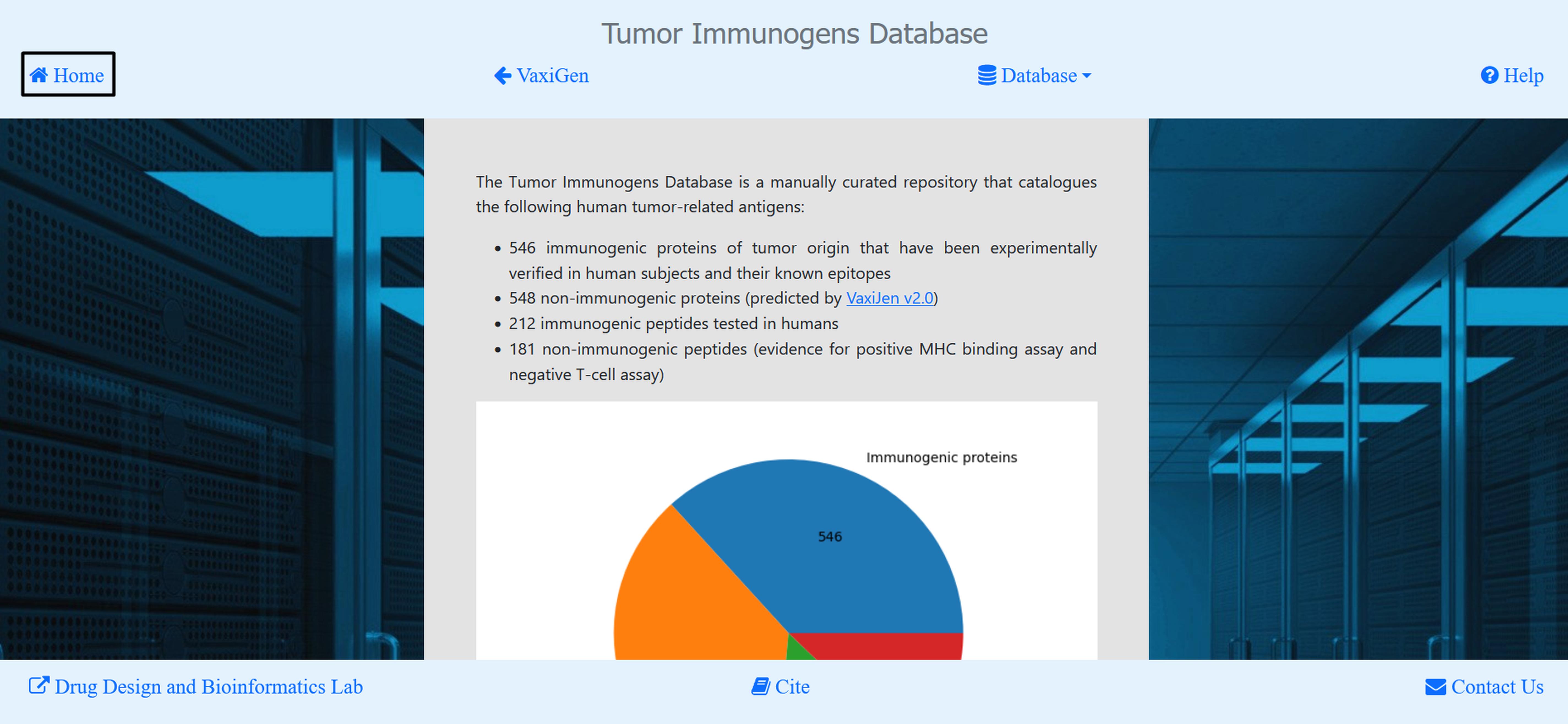
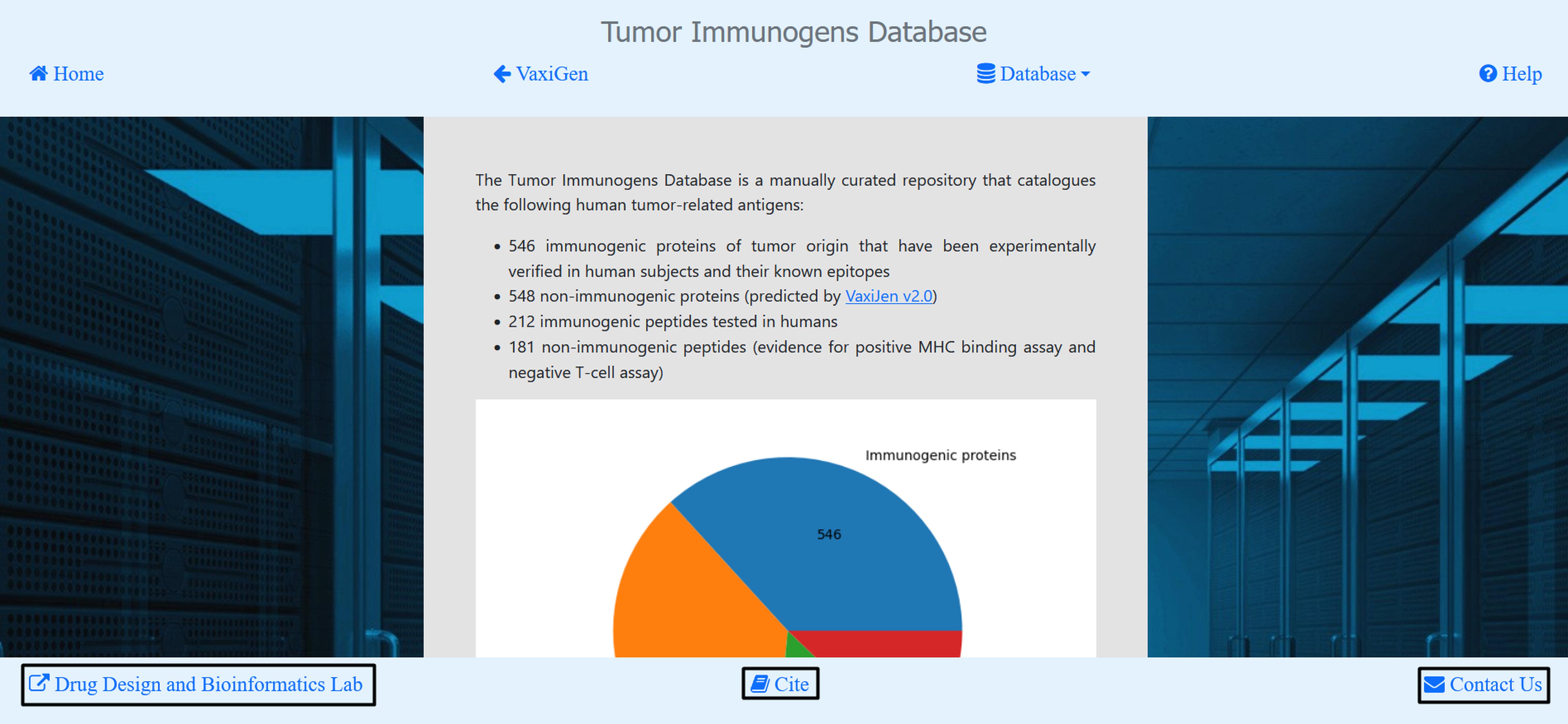
The Home page presents the user the content of the database:
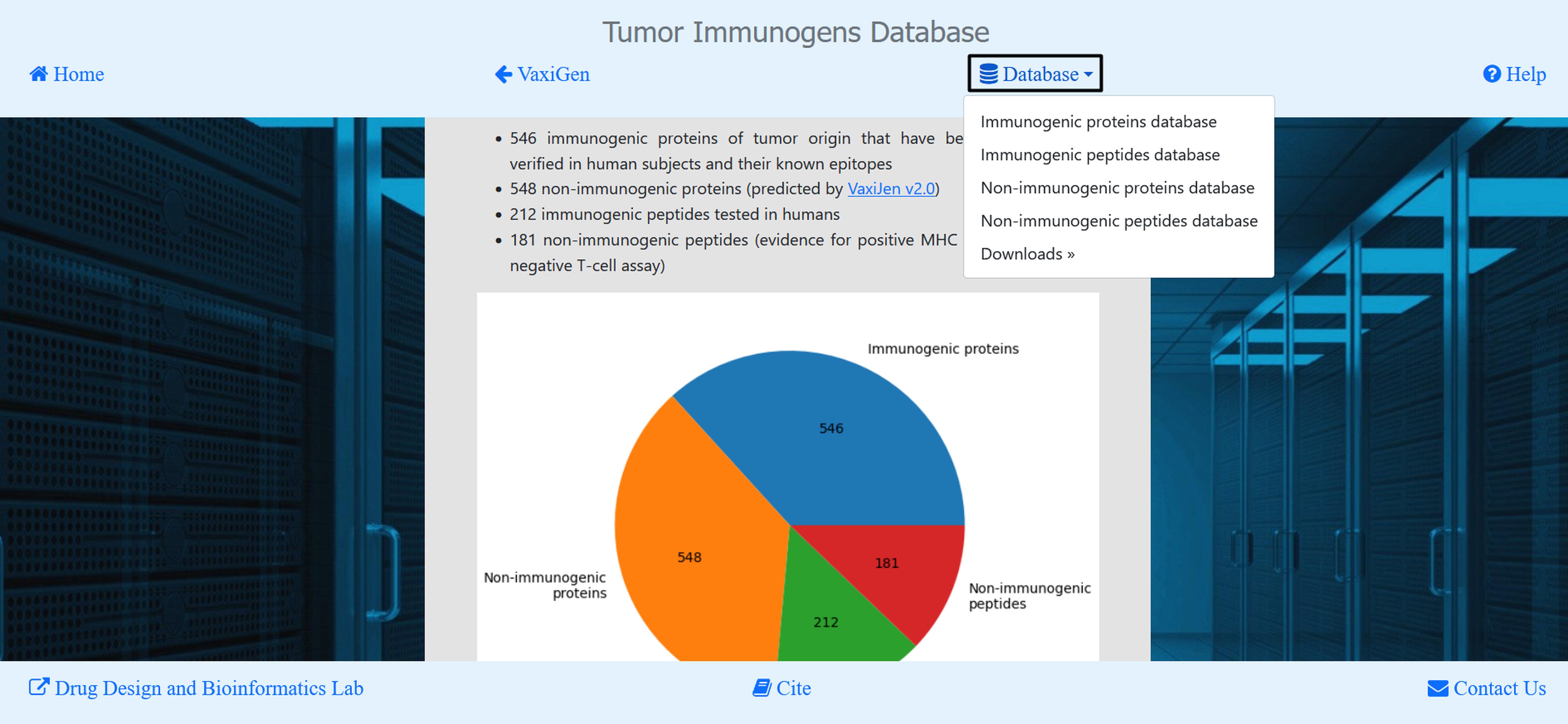
The "Database" menu present the records in the database grouped in separate tables accessible from
the following dropdown options:
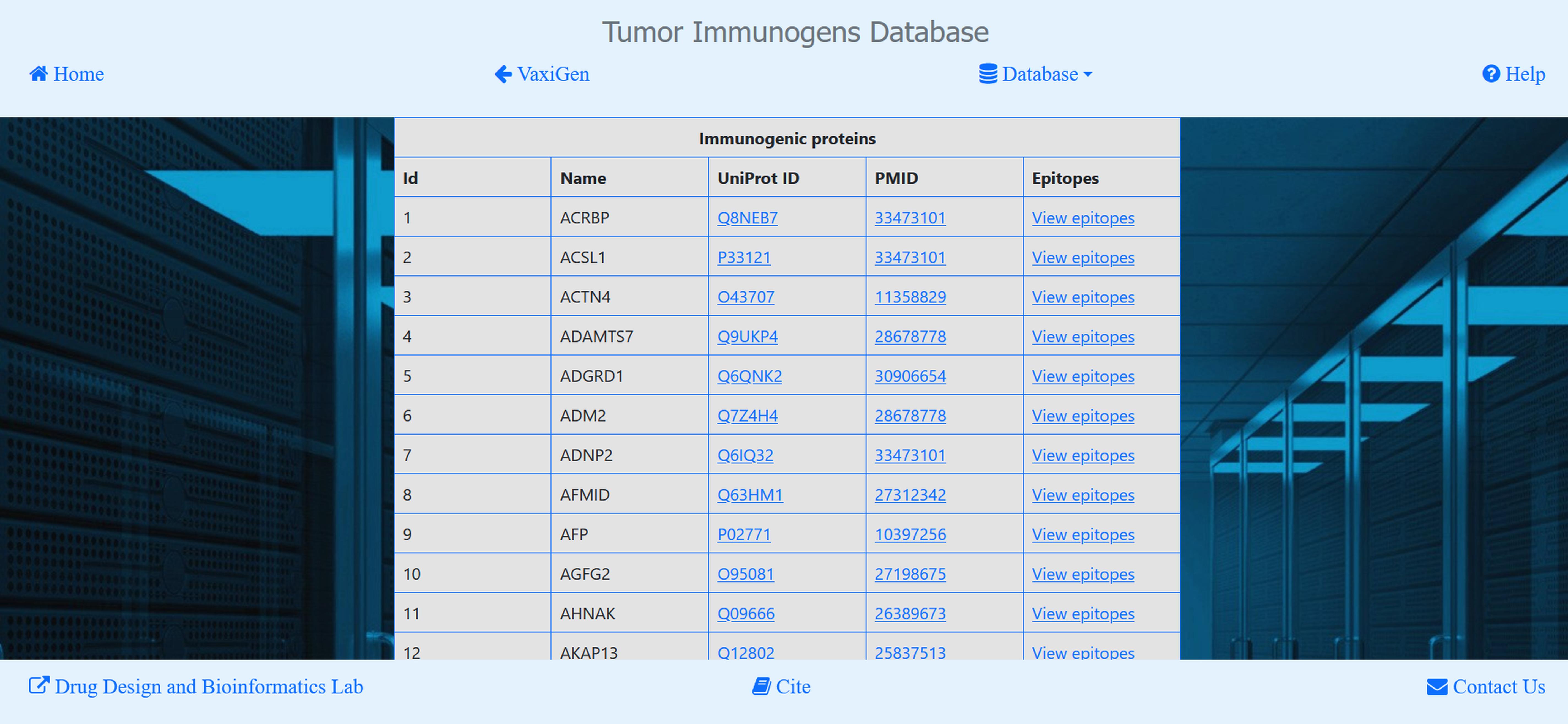
From "Immunogenic proteins database" the user can load a table with the immunogenic proteins. Each record is
represented with the Name of its gene, a references by its UniProt ID and PMID number as well as
its known Epitopes. The latter are represented with an Epitope Link to their record in the IEDB.
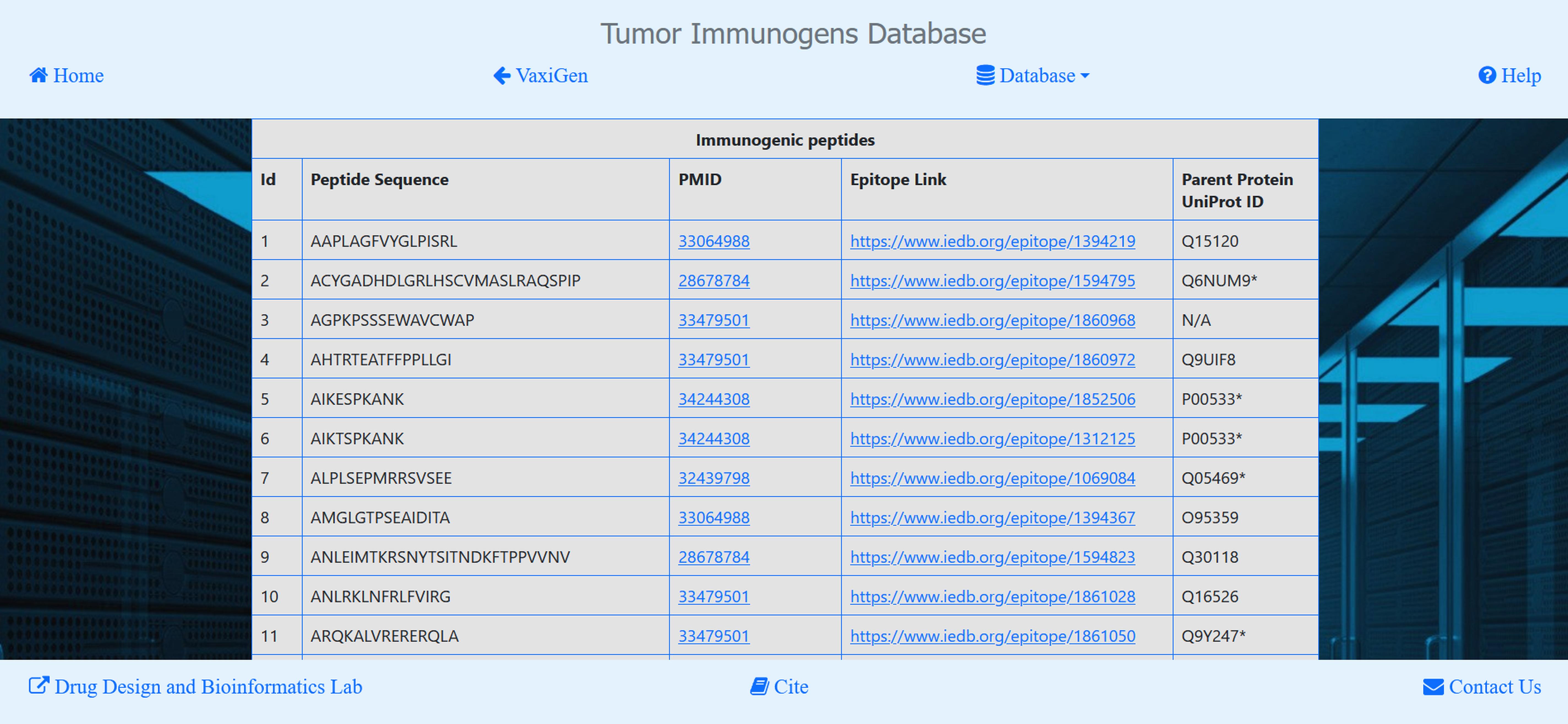
From "Immunogenic peptides database" the user can load a table with the immunogenic peptides. Each record is
represented with the Peptide Sequence in plain text format, a reference by its PMID number,
an Epitope Link to its record in the IEDB and Parent Protein UniProt ID. The '*' symbol in the
latter indicates that the parent protein is also present in the "Immunogenic proteins database".
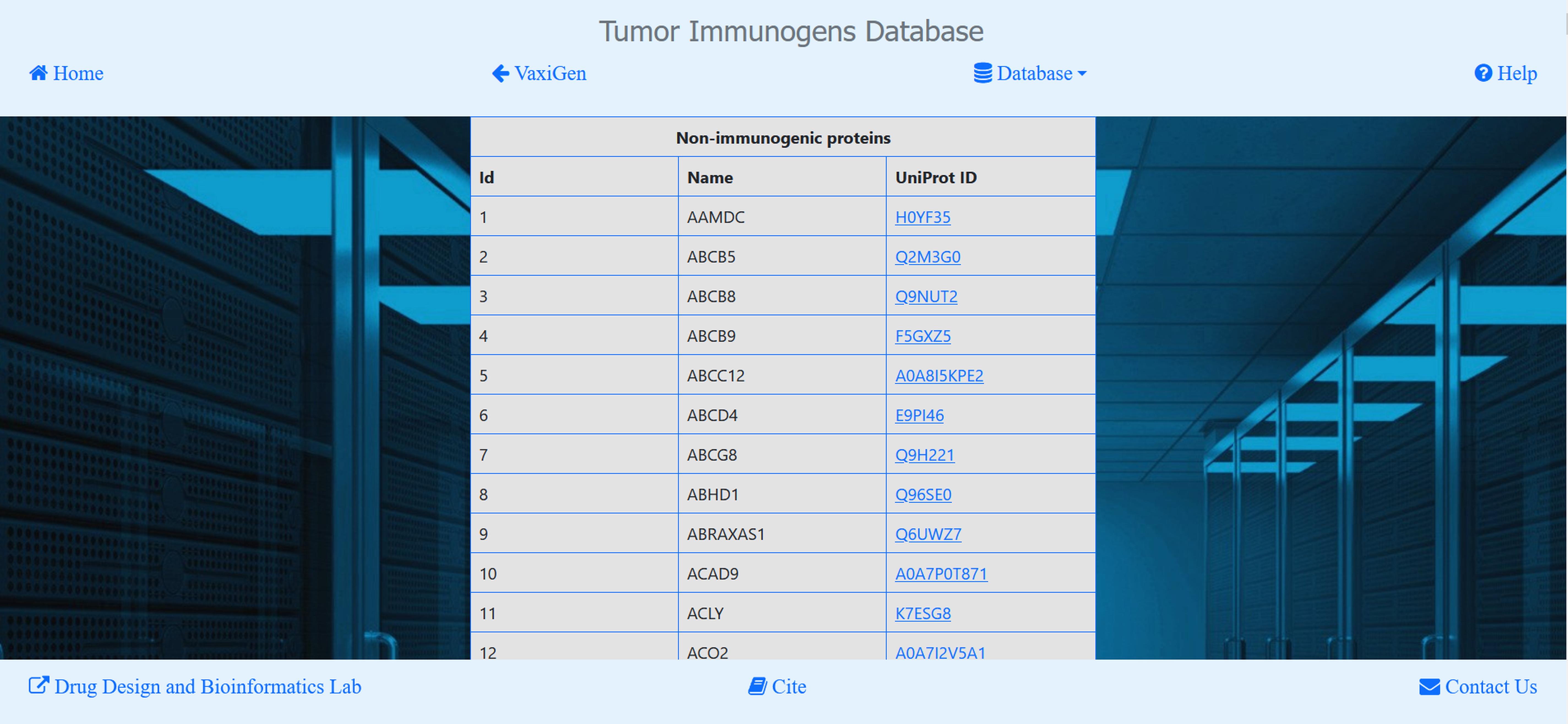
From "Non-immunogenic proteins database" the user can load a table with the non-immunogenic proteins. Each record is
represented with the Name of its gene and a references by its UniProt ID.
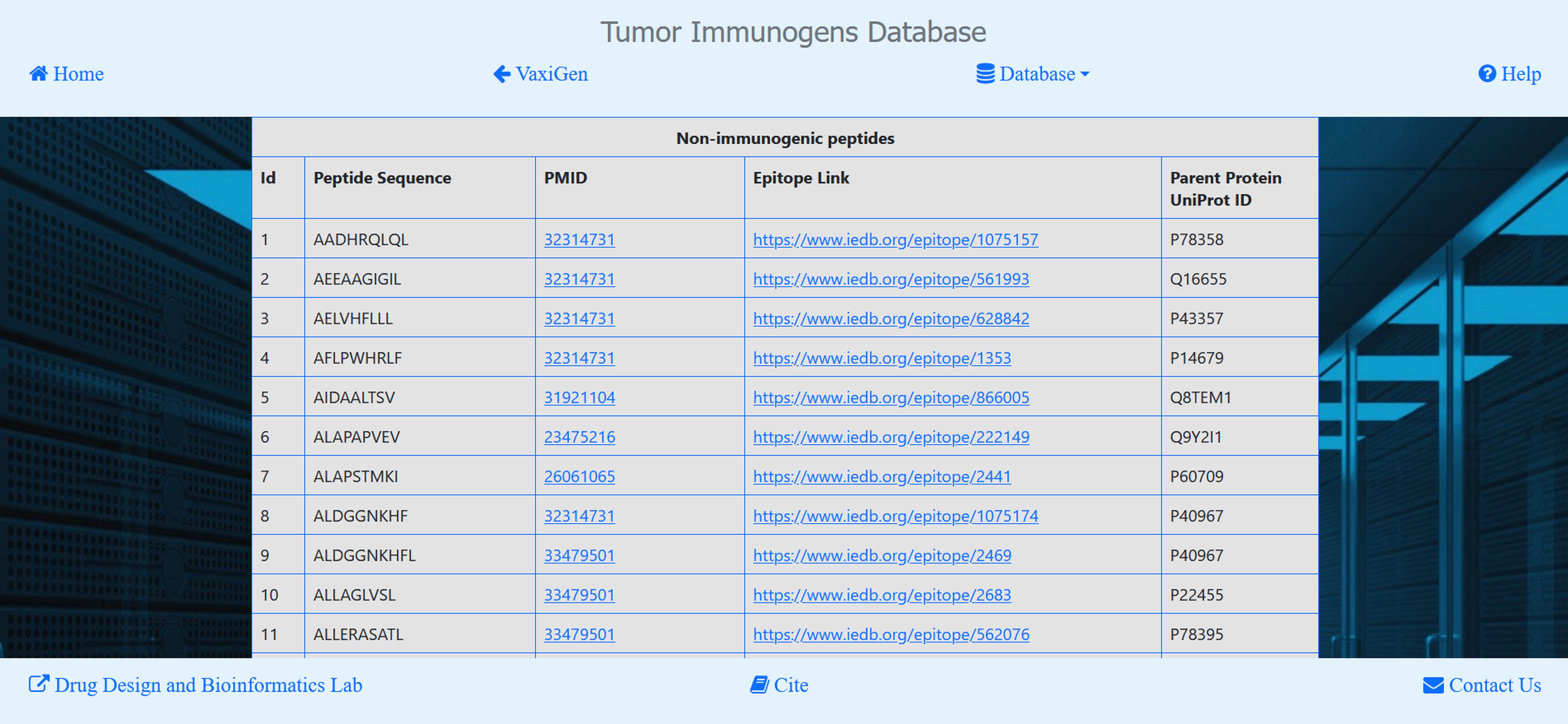
From "Non-immunogenic peptides database" the user can load a table with the non-immunogenic peptides. Each record is
represented with the Peptide Sequence in plain text format, a reference by its PMID number,
an Epitope Link to its record in the IEDB and Parent Protein UniProt ID.
The "Downloads" submenu allows the user to download each of the databases in a .xlsx format.
"Help" contains the Help manual of the cite.
From the bottom navigation bar the user can acces the following options:
"Drug Design and Bioinformatics Lab" redirects to the site of the Tumor Immunogens Database authors
"Cite" contains references to articles the user could consider citing if the user finds the Tumor Immunogens Database useful
"Contact Us" allows the user to contact the authors of the Tumor Immunogens Database via email address